Pick a photo
A camera shot or a picture from the gallery. Crop it freely or to a ratio, rotate it or flip it.
How it works
A camera shot or a picture from the gallery. Crop it freely or to a ratio, rotate it or flip it.
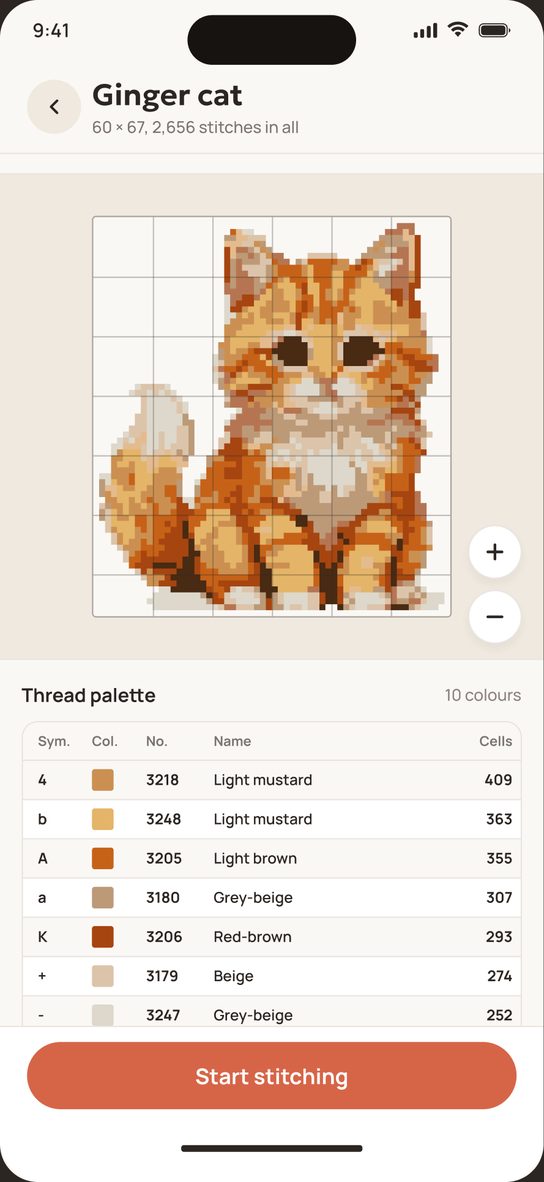
Size in centimetres or stitches, Aida count from 8 to 20, from 2 to 120 colours and the manufacturer's palette. Smoothness softens the transitions, and blends — two shades in one needle — make them softer still. One tap drops the background around the edges.
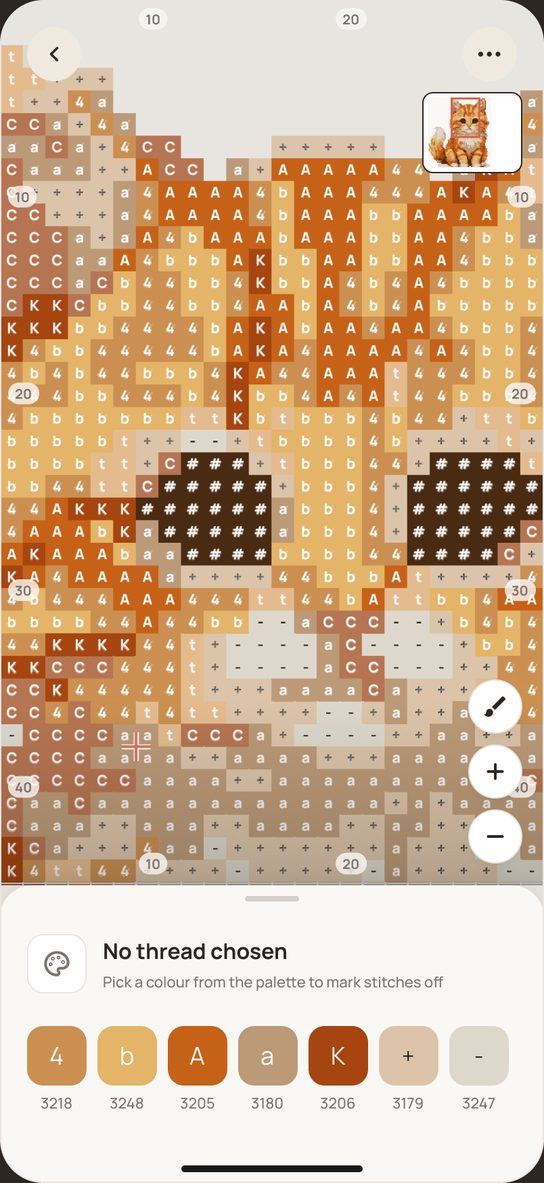
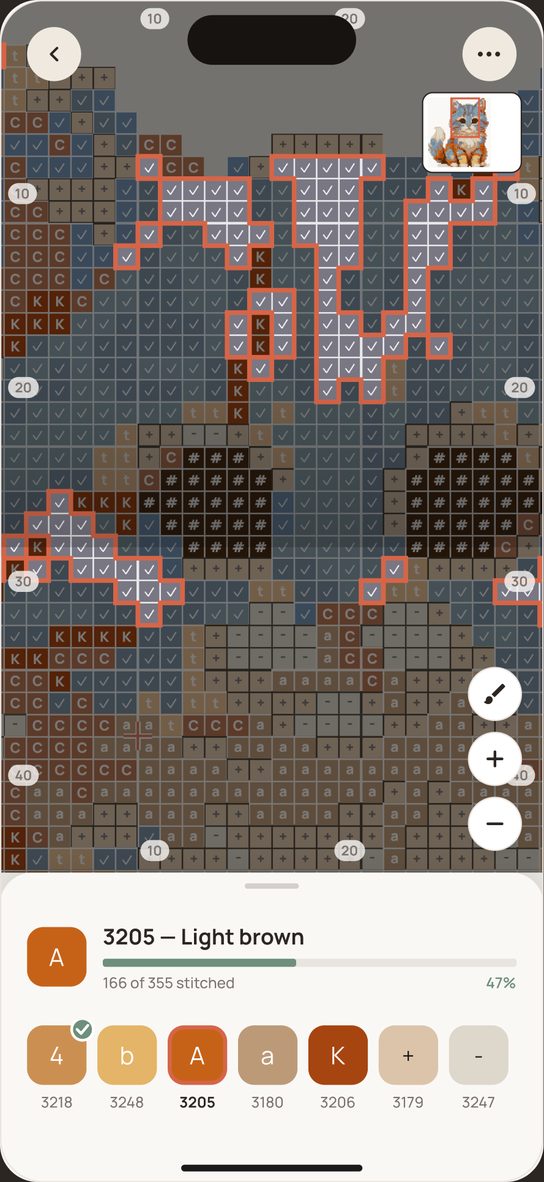
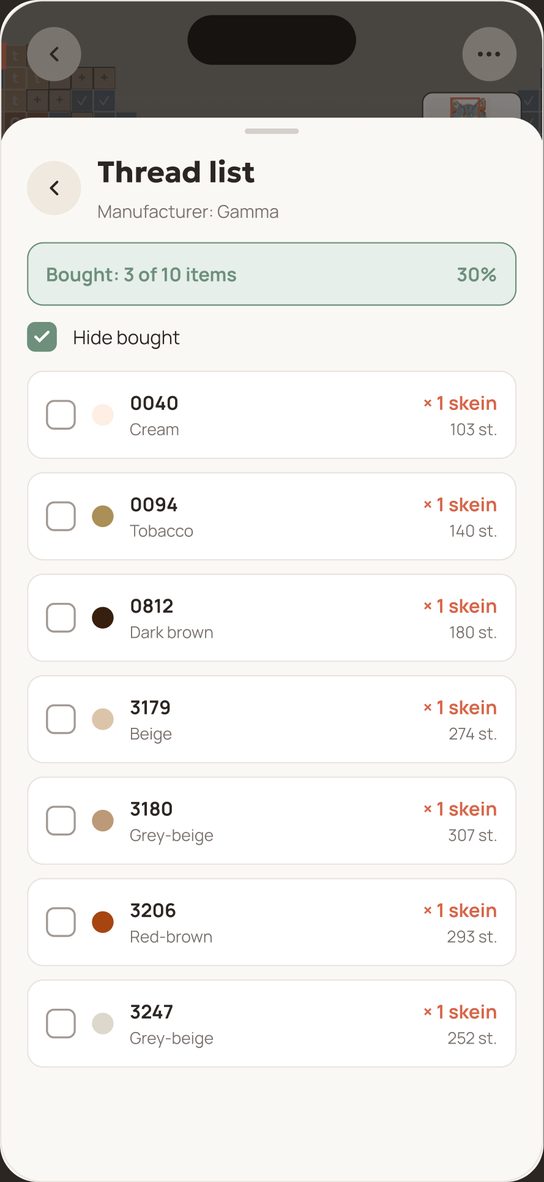
Mark stitches with a tap, watch the progress of every colour and buy thread from a ready list of skeins.
Screenshots
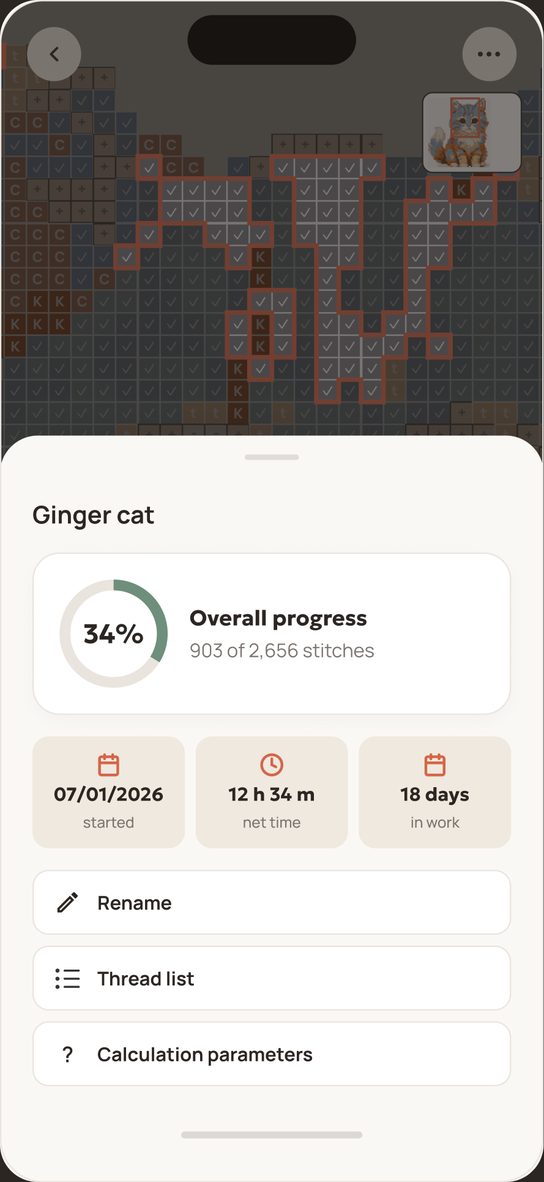
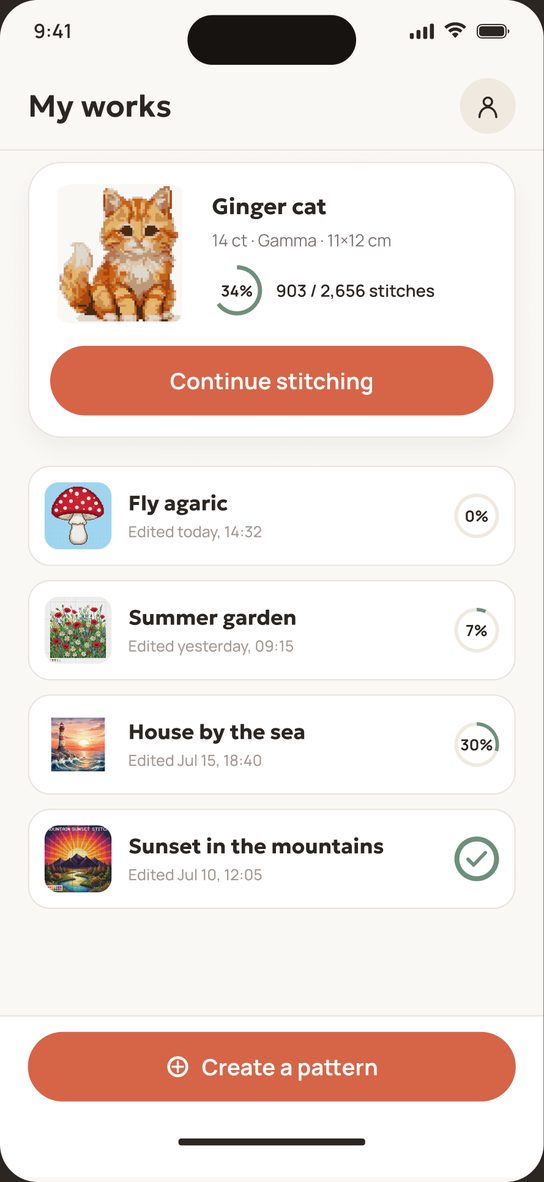
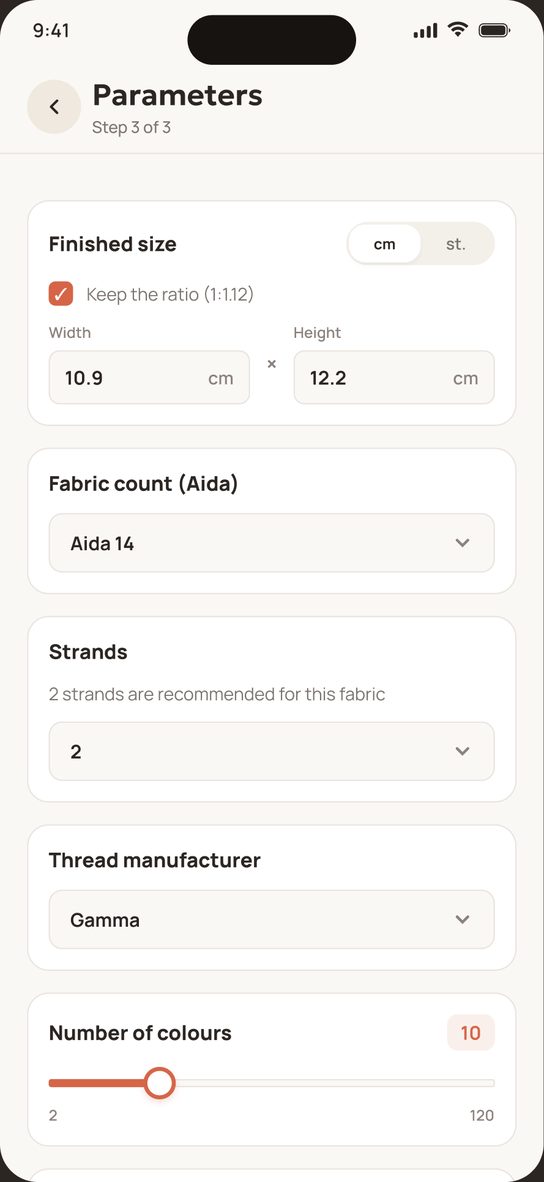
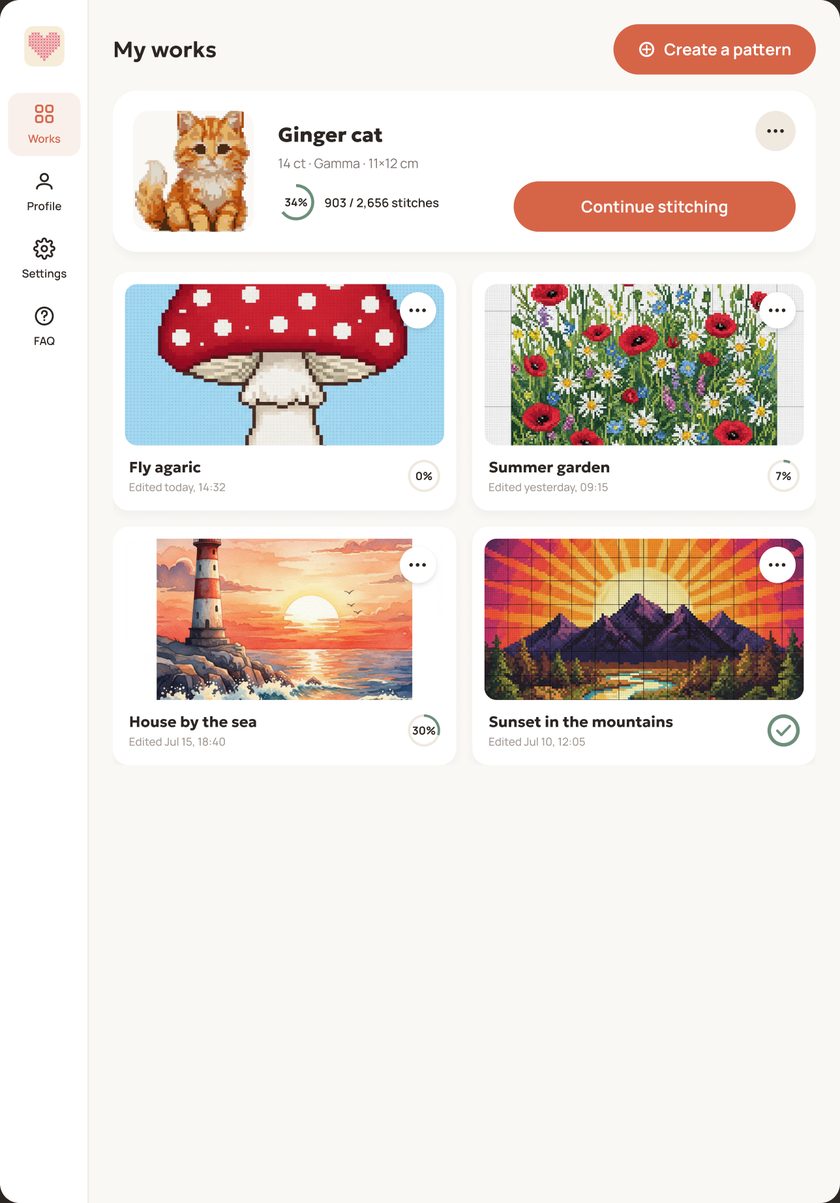
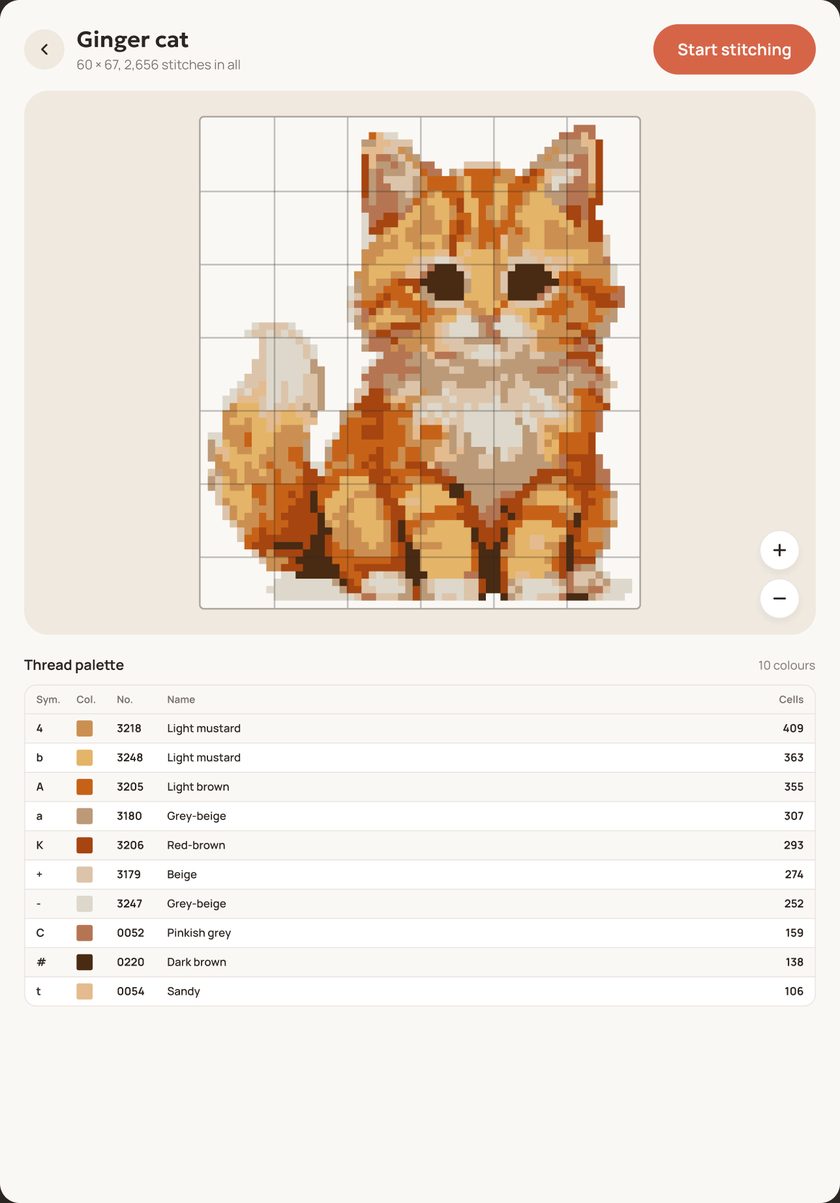
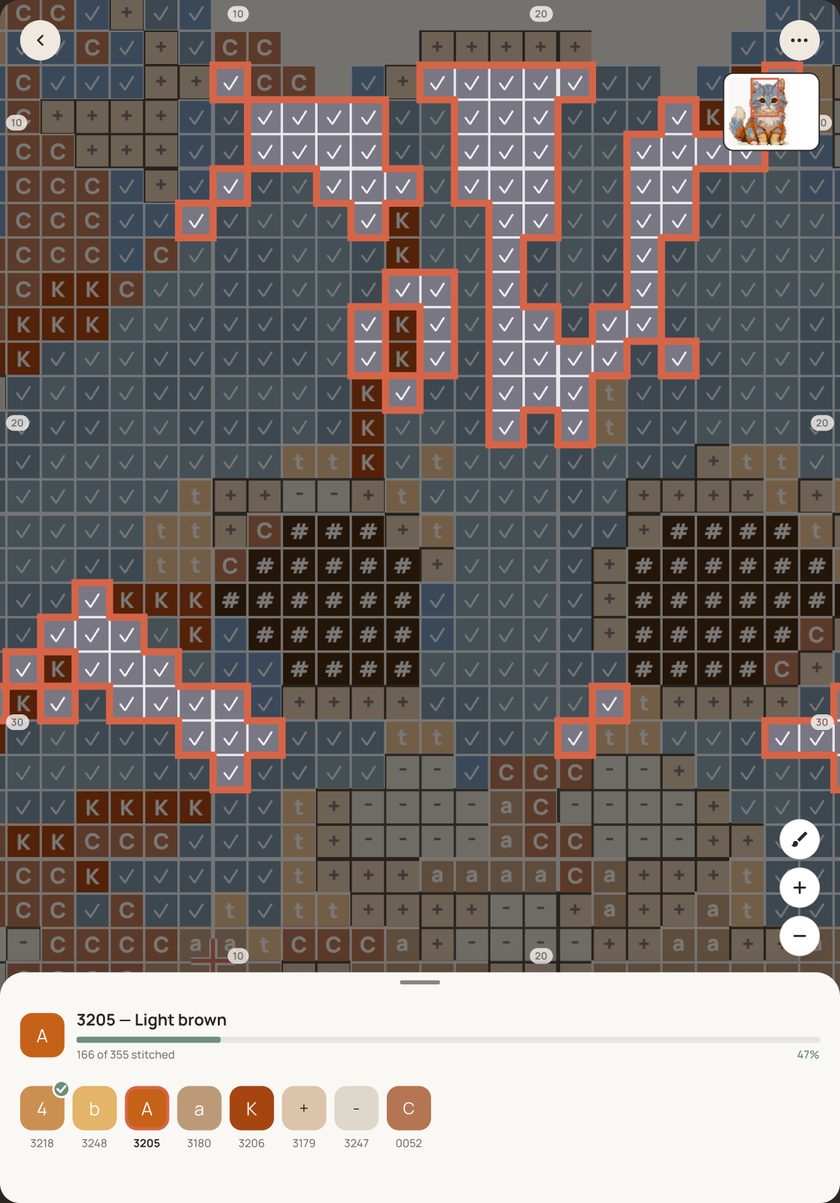
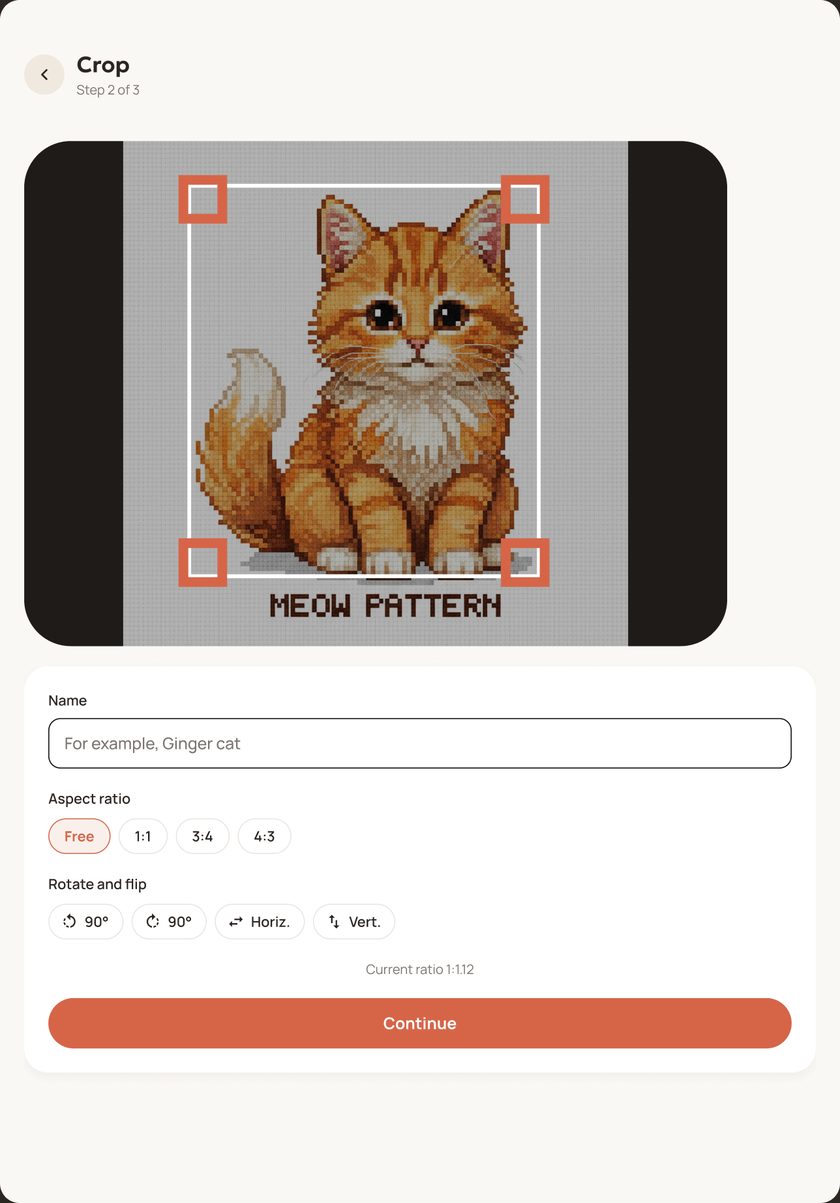
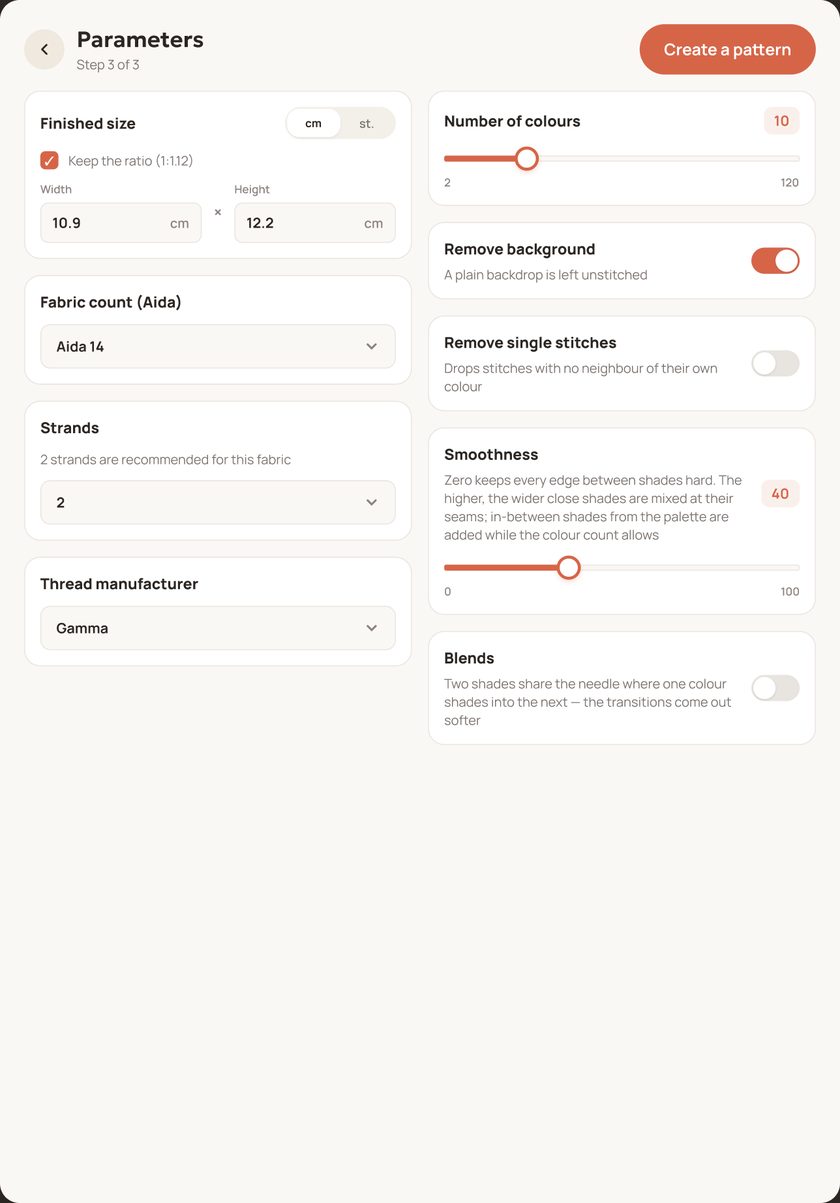
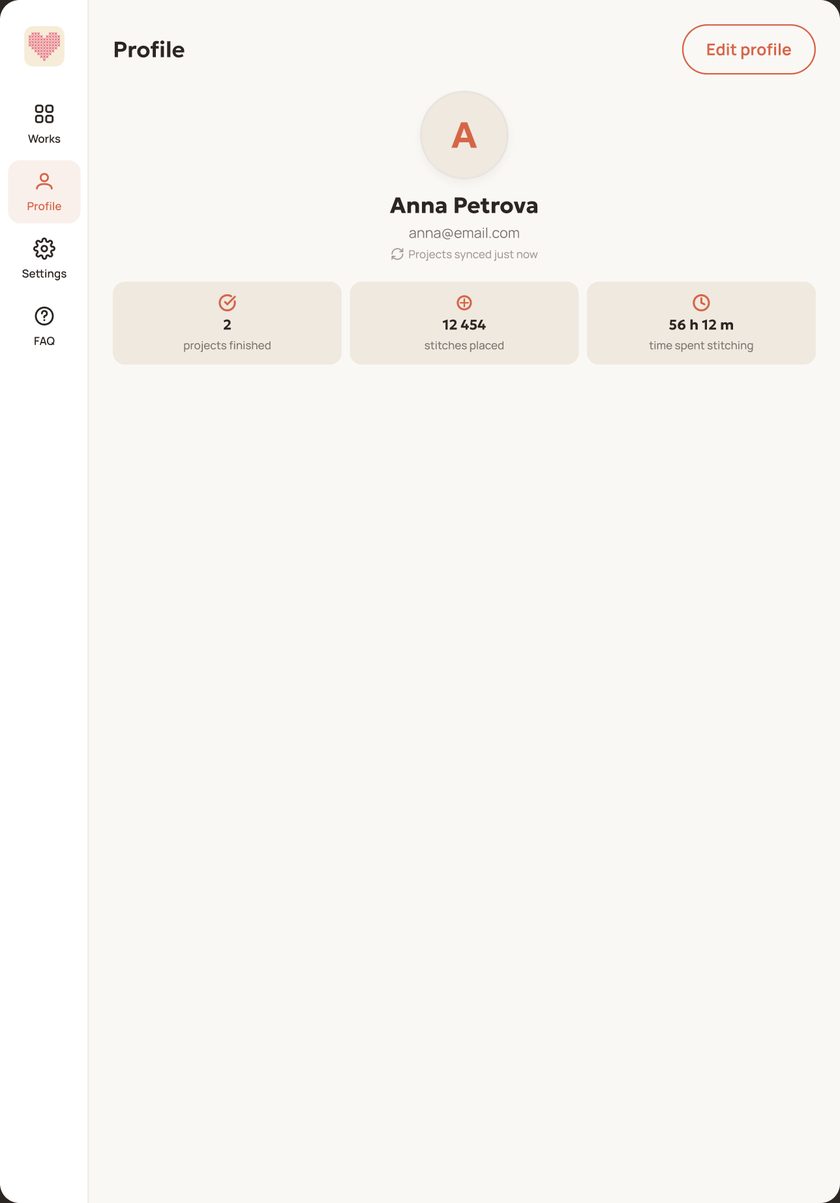
Works on phones and tablets — iPhone, iPad and Android.
Features
Everything cross-stitch needs — without complicated settings and spare parts.
No complicated settings and no tutorials: pick a photo, get a pattern — and a couple of minutes later you can make the first stitch.
Cropping, size in centimetres or stitches, Aida count from 8 to 20, from 2 to 120 colours. One tap drops the background at the edges.
DMC, Gamma, Anchor and Madeira — actual manufacturer catalogues. Matching uses CIEDE2000 — the way the eye tells colours apart.
A smoothness slider takes the hard steps out of the edges between shades: in-between threads come from the same palette.
Mark a stitch with a tap, the current colour is highlighted, a mini-map shows where you are. The screen stays awake while you stitch.
Overall completion, per-colour progress and the pure time spent stitching.
How many skeins of each colour to buy — taking canvas count and thread strands into account. The working is shown right beside it.
A gallery and the stats behind it: finished works, stitches made, time spent stitching. A finished piece can be shared.
Photos are processed in the phone's memory and never stored. An account is optional: signing in by e-mail turns on syncing.
A calmer look for evening stitching. A switch in the settings turns it on, and thread and pattern colours stay the same as in the light theme.
Palettes
Matching uses the perceptual CIEDE2000 formula — the way the eye tells colours apart, not raw RGB distance. In-between threads for soft transitions come from the same palette.
How the app works — from the first photo to a finished piece. 78 questions answered in detail: pattern parameters, stitching mode, the thread estimate, syncing and privacy.
App news, stitching tips and pattern breakdowns. Ask when something will not come out right, and show your work. The group is Russian-speaking; for an answer of your own write to stitchy@alexforge.org.
Free, with no ads and no in-app purchases. App news and stitching tips — in the Telegram group.